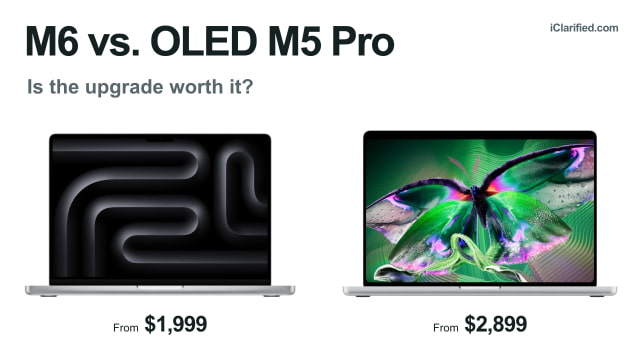
Apple's OLED MacBook Pro is tempting even if you don't need more power. The brighter touchscreen and lighter body are upgrades you can appreciate every day, while M5 Pro adds more graphics cores and higher memory limits for demanding work. But with the M6 model costing hundreds less, is the OLED version worth stretching your budget?
Both are now on sale. The 14-inch M6 starts at $1,999, while the 14-inch OLED M5 Pro starts at $2,899.
What OLED and Touch Add
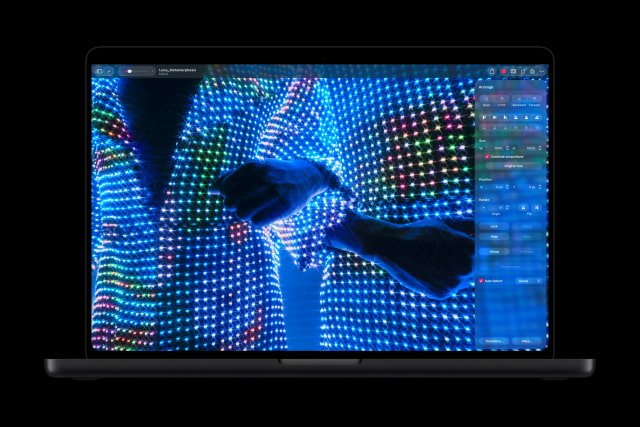
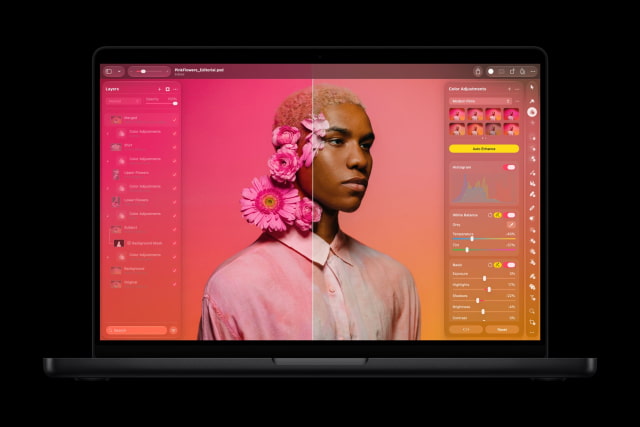
Both laptops have a 14.2-inch display with ProMotion up to 120Hz. The M6's Liquid Retina XDR screen is bright, sharp, and well suited to photo editing and HDR video. OLED improves on that with individually lit pixels, giving dark scenes deeper blacks without a backlight illuminating the surrounding area.
The OLED model also raises peak HDR brightness from 1,600 to 2,000 nits and adds Adobe RGB alongside P3 for color work. Outdoors, its SDR brightness can peak at 2,000 nits, compared with 1,000 nits on M6. Both screens have an optional nano-texture finish to reduce glare.
Touch is exclusive to the OLED model. You can tap controls, scroll, and pinch to zoom in Mac apps while continuing to use the keyboard and trackpad. Dynamic Island replaces the notch and puts music controls and Live Activities at the top of the screen. The touchscreen does not support Apple Pencil.
The first reviews generally praised the OLED screen and lighter design, but were divided on touch. Some reviewers found themselves tapping and pinching throughout the day; others used the screen only occasionally.
When M5 Pro Is Worth Paying For
M6 has a 12-core CPU and 12-core GPU. The OLED model's M5 Pro starts with a 15-core CPU and 16-core GPU. You can upgrade to an 18-core CPU and 20-core GPU.
Those extra cores are useful for 3D rendering and demanding video projects. For browsing, office work, and occasional photo or video editing, we'd choose M6.
M6 supports up to 32GB of unified memory. The starting M5 Pro can be configured with 24GB or 48GB, while the version with a 20-core GPU also offers 64GB. That higher ceiling matters for large video projects or local AI models that will not fit comfortably in 32GB.
OLED Is Lighter, M6 Has Higher Battery Ratings
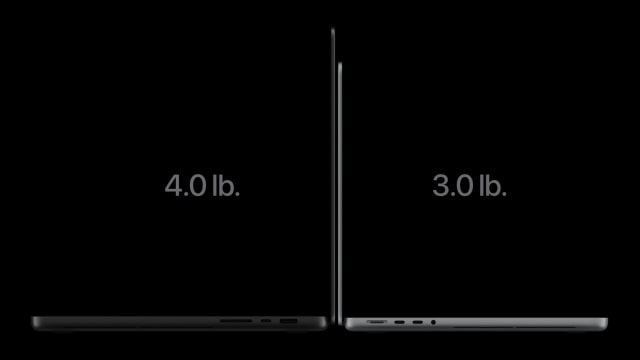
The 14-inch OLED M5 Pro weighs 3.0 pounds (1.38kg), compared with 3.4 pounds (1.55kg) for M6. That's 170g less to carry, in a body that's also slightly thinner and smaller.
Apple rates M6 for up to 24 hours of video streaming or 16 hours of wireless web use. The 14-inch OLED M5 Pro is rated for up to 22 hours of streaming and 14 hours of browsing. Actual runtime will depend on your apps, settings, and configuration.
Both starting configurations include a 70W USB-C power adapter in the U.S. Fast charging requires a 96W or higher adapter, which is included with the 18-core M5 Pro configuration but costs extra with either entry model.
An Extra Monitor and Faster Connections
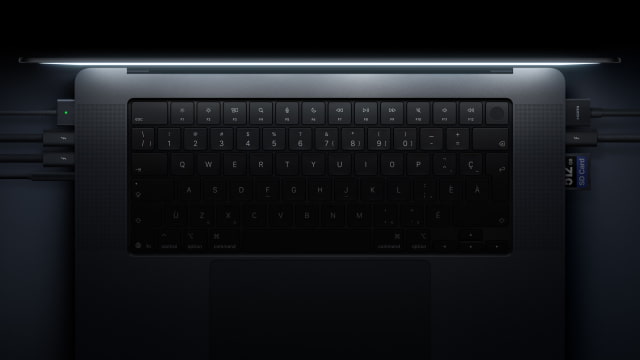
Both laptops include three Thunderbolt ports, HDMI, an SDXC card slot, MagSafe 3, and a headphone jack. M6 uses Thunderbolt 4; M5 Pro gets Thunderbolt 5, with more bandwidth for compatible high-speed storage and docks. Ordinary USB accessories work with either.
M6 supports up to two external displays alongside its built-in screen. M5 Pro supports up to three. For a three-monitor desk, you'll want M5 Pro even if you rarely use the laptop's own screen.
The Price Gap Shrinks With Matching Memory
At Apple's U.S. prices, M6 starts at $1,999 with 16GB of memory and a 1TB SSD. The OLED M5 Pro starts at $2,899 with 24GB and 1TB, a $900 difference. Both entry configurations include standard display glass.
With the 24GB/1TB M6 priced at $2,199, the difference drops to $700. That extra money buys the OLED screen, lighter body, and M5 Pro chip.
Apple still sells the standard Liquid Retina M5 Pro. As of November 8, its 24GB/1TB version is $2,289 at Amazon, only $90 more than the matching M6 and $610 less than OLED. That is tempting if you want M5 Pro but mostly use an external monitor. Our OLED vs. standard M5 Pro comparison covers the differences between those two designs.
14-Inch MacBook Pro Specifications Compared
| Feature | 14-inch M6 | 14-inch OLED (M5 Pro) |
|---|---|---|
| Display | 14.2-inch Liquid Retina XDR | 14.2-inch tandem OLED touchscreen |
| Resolution | 3024 × 1964; 254ppi | 3024 × 1986; 254ppi |
| Brightness | Up to 1,000 nits sustained full-screen HDR below 25°C; 1,600 peak HDR; 1,000 outdoor SDR. | Up to 1,000 nits sustained full-screen below 25°C; 2,000 peak HDR / outdoor SDR. |
| Refresh rate | ProMotion, up to 120Hz | ProMotion, 10–120Hz |
| Input | Keyboard, trackpad, Touch ID | Touchscreen, keyboard, trackpad, Touch ID; Dynamic Island |
| Weight | 1.55kg / 3.4lb | 1.38kg / 3.0lb |
| Dimensions (W × D × H) | 31.26 × 22.12 × 1.55cm | 31.08 × 21.63 × 1.50cm |
| CPU | M6: 12 cores | M5 Pro: 15 or 18 cores |
| GPU | 12 cores | 16 or 20 cores |
| Memory options | 16/24/32GB | 16-GPU: 24/48GB. 20-GPU: 24/48/64GB. |
| Memory bandwidth | 153GB/s at 16GB; 170GB/s at 24/32GB | 307GB/s |
| Neural Engine | Dual 16-core | 16-core |
| Storage | 1/2/4TB | 1/2/4TB |
| Ports | 3 Thunderbolt 4; HDMI, SDXC, MagSafe 3, headphone jack | 3 Thunderbolt 5; HDMI, SDXC, MagSafe 3, headphone jack |
| External displays | Up to 2; plus built-in display | Up to 3; plus built-in display |
| Wireless | Wi-Fi 7, Bluetooth 6, Thread | Wi-Fi 7, Bluetooth 6, Thread |
| Camera | 12MP Center Stage; Desk View | 12MP Center Stage, Desk View; advanced video stabilization |
| Audio | Six speakers; three-mic array | Six speakers; three-mic array |
| Apple battery ratings | Up to 24h video; 16h web | Up to 22h video; 14h web |
| Battery capacity | 72.4Wh | 72.6Wh |
| Fast charging | Fast charge with 96W+ | Fast charge with 96W+ |
| Included US adapter | 70W | 70W with 15-core; 96W with 18-core |
| Starting memory / SSD | 16GB / 1TB | 24GB / 1TB |
| Apple US starting price | From $1,999 (16GB/1TB) | From $2,899 (24GB/1TB) |
| Apple US price at 24GB / 1TB | $2,199 (24GB/1TB) | From $2,899 (24GB/1TB) |
Which Would We Buy?
At around $2,000, we'd buy the M6 MacBook Pro for browsing, writing, and occasional creative work. You still get a good HDR display and useful ports, without spending another $900 on the starting OLED configuration.
If you spend most of your working day on the built-in screen, we'd lean toward the OLED M5 Pro. With both laptops configured with 24GB of memory and a 1TB SSD, you're paying $700 more for the richer display, lighter body, and M5 Pro hardware. The discounted Liquid Retina M5 Pro remains the better value if processing power matters more to you than the screen.
Compare current offers across retailers and set price alerts with the iClarified Mac Price Tracker.